Countless employers still don’t trust their people to do their best work unless they’re physically in the office.
A little trust can go a long way


Countless employers still don’t trust their people to do their best work unless they’re physically in the office.

MSP stands for Managed Service Provider. An MSP is a company that provides a variety of IT services, including managing and maintaining computer systems, networks, and applications for businesses and organizations. MSPs typically offer a range of services, including monitoring and maintaining servers, providing technical support and troubleshooting, and managing software and hardware updates.
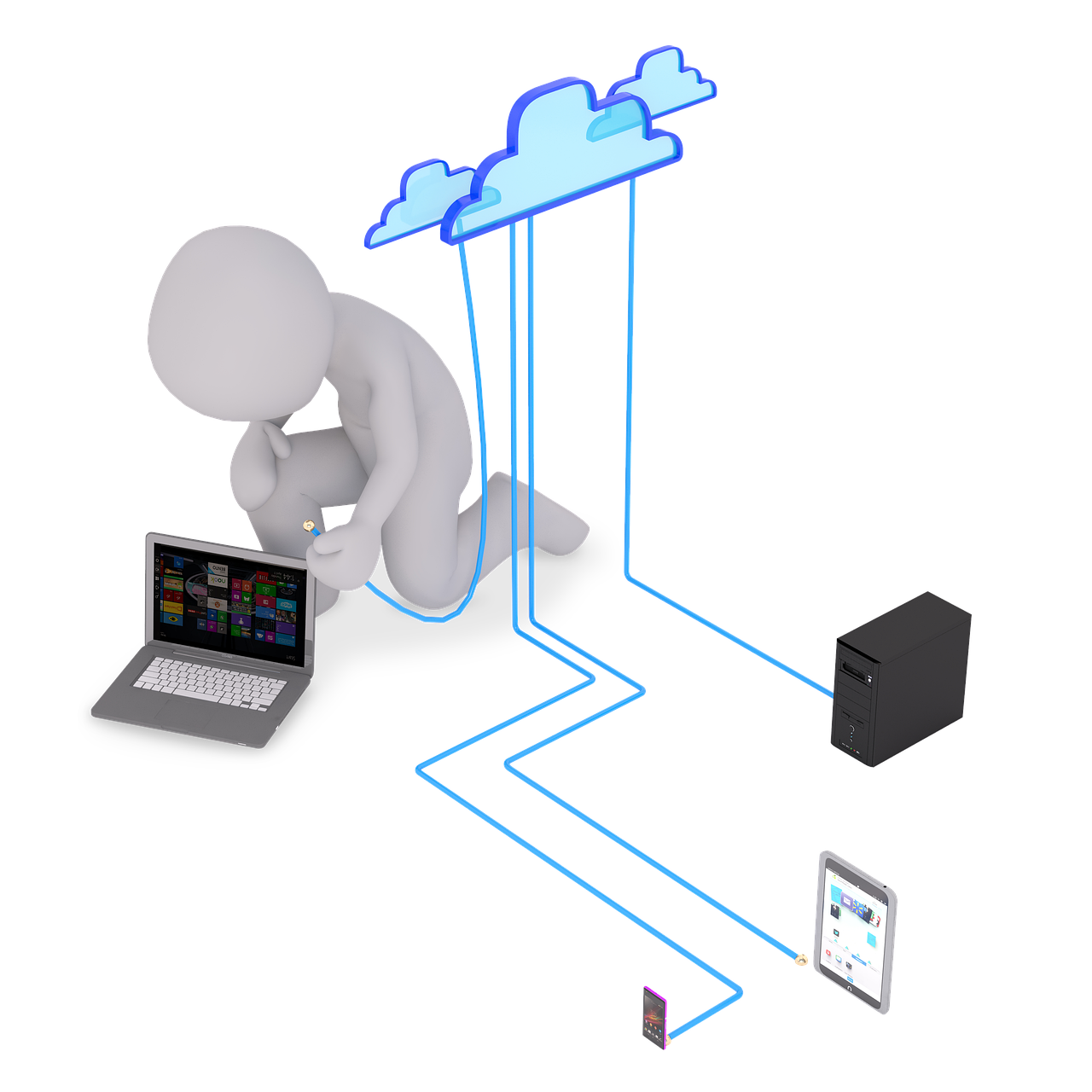
Evaluating a WiFi system for your business can be a complex process, as there are many factors to consider. Here are some steps you can take to help you choose the best WiFi system for your business:
Determine your WiFi requirements: Consider the size of your business, the number of users, the types of devices they will be using, and the type of internet activities they will be performing.

Here are a few tips and tricks for Windows 11:
Snap window to the side of the screen: You can quickly snap a window to the left or right side of the screen by clicking and dragging the window to the left or right edge of the screen.

When shopping for a new business computer, there are a few key factors to consider:
Processor: Look for a computer with a fast processor, such as an Intel Core i5 or i7, to ensure that it can handle multiple tasks at once and run demanding software.

NOTHING in IT is more important than Backup and Disaster Recovery. You can recover from cyber security incidents, theft, mistakes and disasters as long as you have rock solid backups onsite and offsite. But even the simplest mistake can ruin a company and cause untold of stress.

Computer support refers to the assistance provided to individuals and organizations to help them troubleshoot, repair, and maintain their computer systems and related devices. It can be provided in various forms, such as in-person support, remote support, or through self-help resources.

How do you decide what firm to hire for your business IT Support?
There are a few key factors to consider when choosing an Computer support firm for your business:
Expertise and experience: Look for a firm that has a track record of successfully supporting businesses in your industry or with similar IT needs.

Question: What should small business owners and managers know about cybersecurity?
Small businesses face many of the same cybersecurity threats as larger businesses, but they may not have the same resources to deal with them. It's important for small businesses to understand the risks and take steps to protect themselves.