Should you consider adopting new phone systems for your business? To help you decide, we’ve defined the various types of phone systems, their different life cycles, and technology options in the past and the present.
Different phone systems
Today’s businesses still use landlines to connect with various stakeholders, such as customers, investors, and suppliers, to service their needs.
Here are the basics of different VoIP systems

How Workplace Analytics improves your team’s productivity

Microsoft Workplace Analytics is a cloud-based service that allows organizations to assess employee performance using data gathered from Office 365. This enables business leaders to identify inefficiencies in how tasks are carried out, and then come up with a strategy for eliminating these in order to increase productivity.
Teams: Immersive and inclusive

Teams has become a vital part of the Microsoft 365 world, because so many of us are working & learning remotely.
One-to-one conversations, group messaging, video meetings and audio calls are all key features of Teams. Along with useful integration into other 365 applications such as Word, Outlook, and SharePoint.
Learn why you should only visit HTTPS sites

Everyone uses the internet daily for a variety of reasons: to work, shop, or communicate with other people. Browsing the internet has become so commonplace that we often forget to check whether the websites we visit are safe. Let this serve as a reminder: a website can be deemed safe if the website’s URL has an “S” after the “HTTP.” Learn why that “S” matters.
7 Steps to making your data hurricane-proof

Hurricanes are a common occurrence in many parts of the United States. Not only do they destroy property and endanger lives, but they can also disrupt your business’s operations. In this blog, we offer tips on how you can ensure fast access to your data following a disaster and immediately get back to business.
What are the benefits of hosted Exchange?

Microsoft Exchange is one of the most utilized email server services in the world. The service typically requires additional in-house infrastructure, but many businesses use a cost-saving workaround called hosted Exchange. Read on to learn more about it.
Can you delete data from your devices remotely?
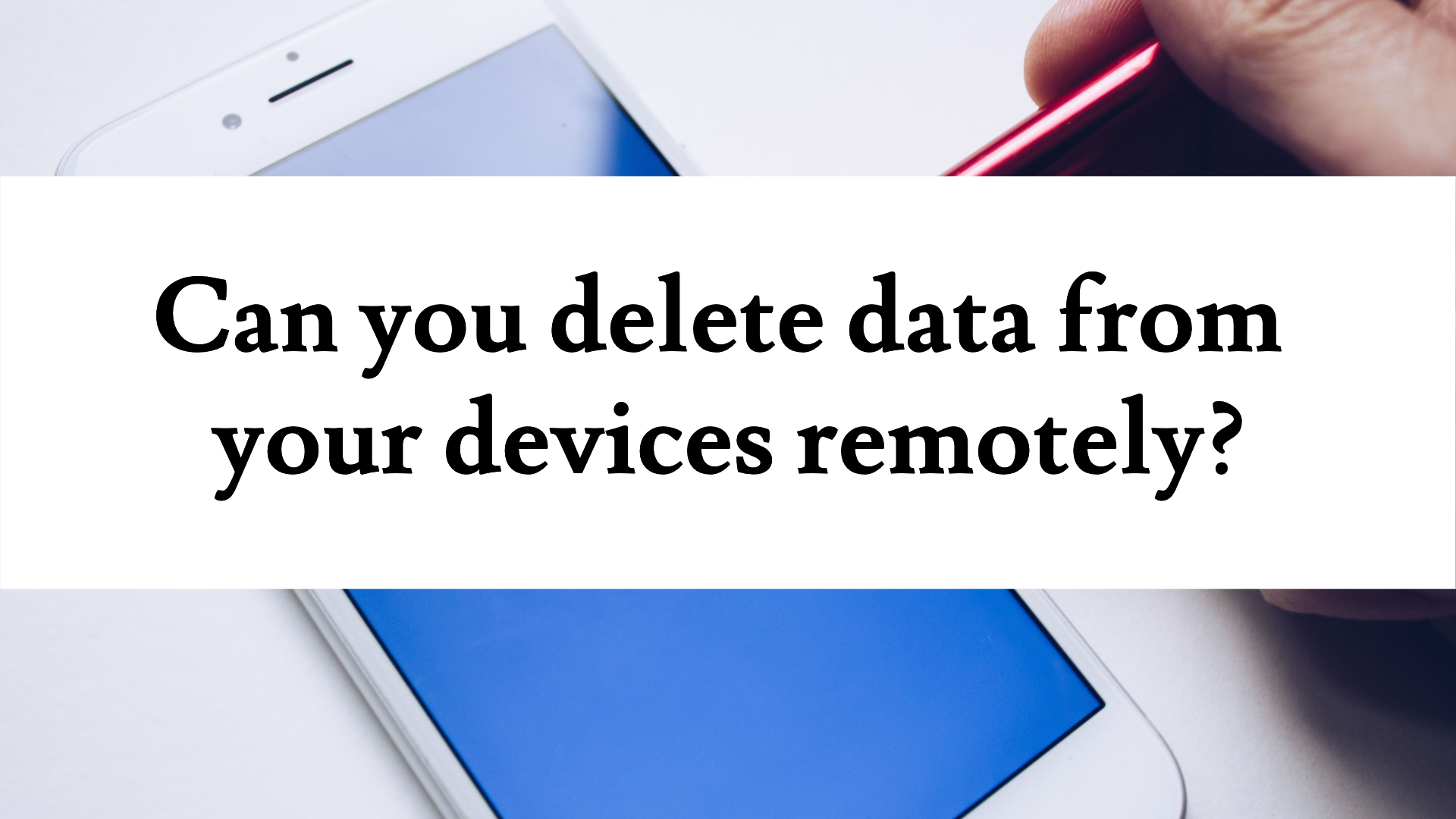
If you or a member of your team loses their phone or laptop, it can create some serious problems for your business.
Not only is it expensive, it’s also dangerous. Because it’s likely that your device contains sensitive data that really shouldn’t fall into the wrong hands.
10 apps you didn’t know you had in Microsoft 365

Most people see Microsoft 365 as the place to access Word, Excel, PowerPoint, and Teams.
But there’s so much more to it than that. There are so many apps bundled in, that whatever productivity problem you have in your business right now, the answer could be within 365.
Get our new guide. And we’ll tell you about 10 useful Microsoft 365 apps you didn’t even know you already had.
Plan now if you need new hardware later this year

Did you know we’re right in the middle of a global chip shortage?
Many different things have come together to create the perfect storm. And it’s restricting some technology supplies.
Our new video explains why you should order early, if you need any new hardware in the next 6 months.